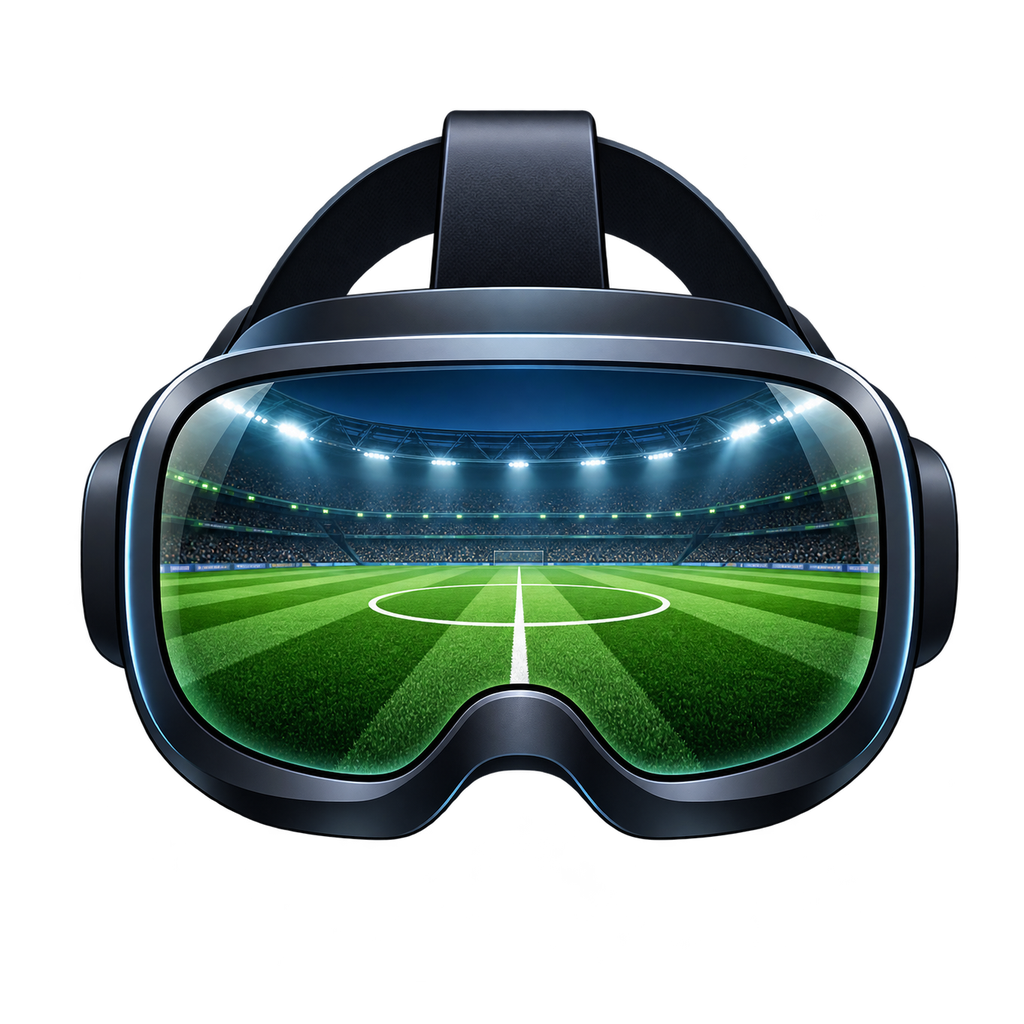

More than a seat
in the stands.
FM24VR is currently the only available application from FMVR, made for Football Manager 2024.
Your usual game. A new space.
Manage your inbox, team selection and tactics on a curved virtual screen. Use your usual mouse and keyboard in a manager’s office-style stadium lounge, or choose dark surroundings.
One button. Inside the match.
Press and release either Vive wand’s application-menu button to switch from the virtual screen into stadium VR. Press again to return for tactics and substitutions.
Depth you can look into.
Genuine stereoscopic 3D and native head tracking put depth into the match. Turn your head to look around; this is more than watching a flat screen in a headset.
Find your own viewpoint.
With [D] Free selected, fly around the stadium with either wand. Move, rise and turn, then save a favourite starting position and facing direction.
Keep the match in view.
A live scoreboard and match clock help you follow the game. Other 3D match cameras offer experimental, best-effort stereo, with possible missing scenery outside FM’s camera view.
Hear the story unfold.
Optional local British spoken commentary from Daniel accompanies FM’s crowd audio in 3D. The bundled voice works offline and speaks at 1.25× speed.
The right kit.
The right game.
This beta targets a specific Windows FM24 build and a tested Vive setup. The launcher checks the game version before starting.
HTC Vive Pro 2 and Vive wands are the tested hardware. Other headsets and controller types have not been tested.
- Operating system
- Windows 10 / 11 · 64-bit
- Game
- Football Manager 2024
24.4.2+2081827 · Windows - Runtime
- SteamVR, selected as your OpenXR runtime
- Headset
- HTC Vive Pro 2
- Controllers
- Vive wand controllers
- PC & input
- VR-capable PC, current graphics drivers, mouse and keyboard
From download
to match day.
A portable beta. A few simple steps. Read the shutdown instructions before your first session.
Read the complete release README ↗01 Extract & start
- Extract the entire ZIP into a writable folder, such as
Documents\FM24VR. Keep the files and folders together; do not run the app inside the ZIP. - Start FM24 normally, then SteamVR. Wake your headset and controllers.
- Open FM24VR.exe and click Start VR. You can start from the inbox.
- Wait until the app says it is ready, then put on your headset. If prompted, resume FM24VR/FM24 and close the SteamVR dashboard.
The portable package includes its runtime and voice dependencies. No separate Python installation or voice subscription is needed. You do not need to replace or edit fm.exe.
02 Enter the stadium
- Enter a match using your mouse and keyboard on the curved screen.
- Select [D] Free in FM’s camera selector before entering stadium VR. It is the recommended camera for the best view and flight controls.
- Press and release the application-menu button above the trackpad on either Vive wand when the match view is ready.
- Press the same button to return to the curved screen for tactics or substitutions. In 2D, the button also recentres your screen.
FM24VR pauses a playing match when it can. Returning to 3D resumes only a match it paused itself. A manually paused match stays paused. Check FM’s play/pause indicator, especially during extra time.
03 Fly in Free camera
Both wands use the same controls. Rest your thumb on the trackpad briefly before clicking, and release it between turns or control modes.
Flight speed is 3.4 metres/second. Using both wands does not double the speed. Wand movement works in Free camera only; other cameras follow FM’s movement.
In the launcher, choose Save current position & facing, then enable Use my saved position when entering Free to remember a favourite starting spot.
04 Stop safely
- Take off your headset, click Stop VR and wait for the app to finish stopping.
- If it asks for Free and the camera selector is available, select [D] Free once in FM.
- If the match has ended or there is no camera selector, save your game and close FM normally. You can then close FM24VR.
Do not start another session while Stop is waiting or a restart is requested. Returning to the curved screen does not end the VR session. Save your game regularly.
A beta, with clear boundaries.
What are the known beta limitations?
- Non-Free cameras can miss players or stands when you look away from FM’s camera direction. Free is strongly recommended.
- Performance and clarity depend on your PC, headset and FM settings. Try setting FM’s Frame Rate to 60 if movement feels uneven on Automatic.
- Vive trackpad clicks can be inconsistent. Touching the pad before clicking helps.
- Automatic pausing may not work in every situation, especially extra time or menu screens.
- Commentary may skip busy passages or mispronounce names; it does not read every line.
- Stopping after full-time may require saving and closing FM normally.
The exact packaged beta has not been headset-tested. Other headsets remain unqualified.
How do I enable Daniel’s commentary?
Tick Enable spoken commentary in the app and choose a volume. On first use, allow a short delay while the app prepares commentary from your installed game and loads the voice. Daniel speaks at 1.25× alongside crowd audio during 3D viewing. Commentary is silent in 2D or if the voice is unavailable.
Can I use a different headset or point at menus?
The tested setup is HTC Vive Pro 2 with Vive wand controllers. Other headsets and controller types have not been tested. Wand pointing at menus is not supported; use your mouse and keyboard for FM’s menus.
Can I use it offline?
FM24VR and the bundled commentary work offline. FM and Steam still have their own activation and offline-mode requirements. There is no separate online voice service.
Where are my settings and logs?
Settings and your saved starting position live in %LOCALAPPDATA%\FM24VR. Earlier settings are migrated without deleting the originals. Troubleshooting logs go in a sessions folder beside the app. Keep settings and logs private and share the original ZIP rather than your used installation folder.
Is the mod free and open source?
FM24VR is a free, closed-source, unofficial beta. Licences, notices and required third-party speech source are included in the complete package. It is not affiliated with or endorsed by Sports Interactive or SEGA.
Download FM24VR.
The complete portable beta for Football Manager 2024. Extract it, keep the files together, and bring your existing game into VR.
- Version
- v0.1.0 Beta
- Price
- Free
- Platform
- Windows PCVR
- Game required
- Football Manager 2024
- Supported game build
- 24.4.2+2081827
Currently available for Football Manager 2024 only.
640 MB · Complete portable ZIP
HTC Vive Pro 2 + Vive wands · SteamVR
Windows 10 / 11, 64-bit